
Getting started
Your Week One Journey — from onboarding to your first booking.
- 8 guides
- Reviewed regularly
Start here
Complete salon onboarding
Finish the TeqBook onboarding wizard so your salon reaches the dashboard with hours and booking flags set.
Create a service
Add a bookable service with name, category, duration, and price from Services → New service.
Set up online booking
Verify your public page and copy Direct booking / Public profile links after onboarding, services, and hours are ready.
Start your salon
2 guides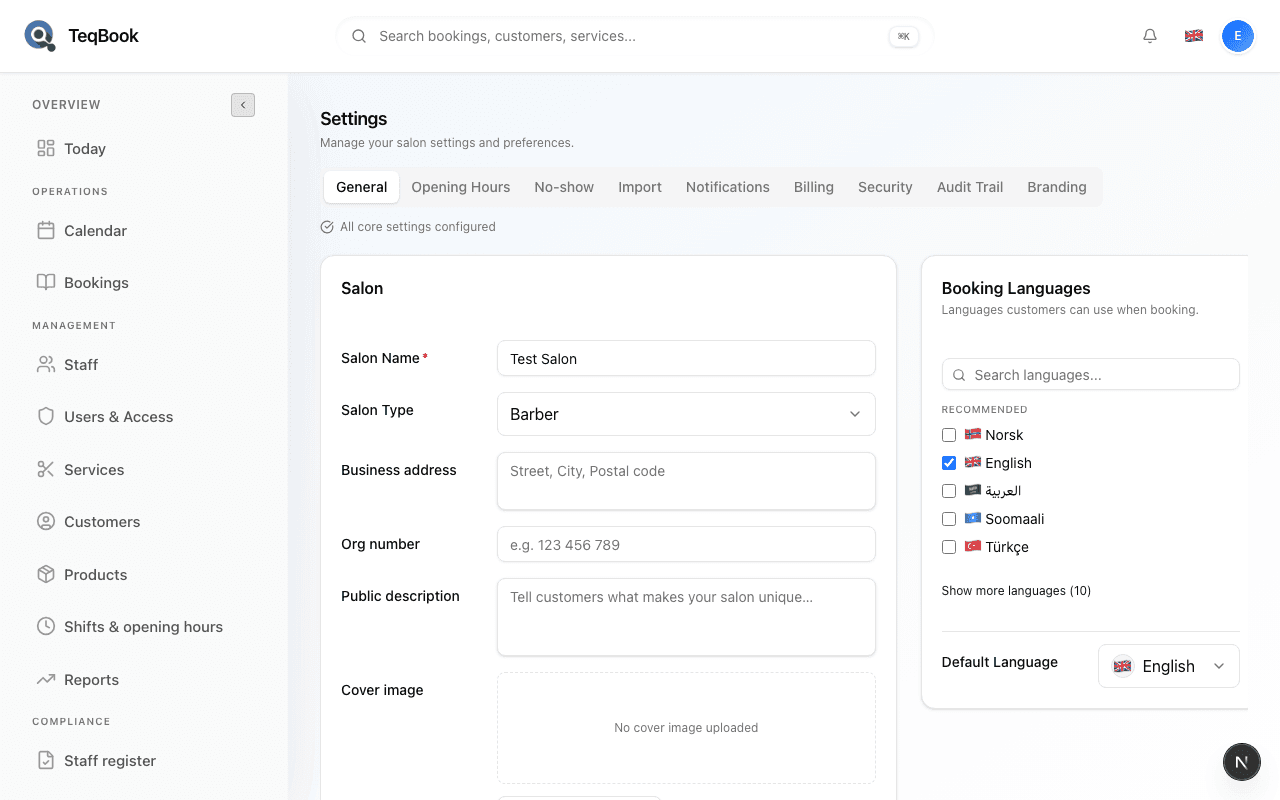
Complete salon onboarding
Finish the TeqBook onboarding wizard so your salon reaches the dashboard with hours and booking flags set.
4 min · Updated Jul 21, 2026
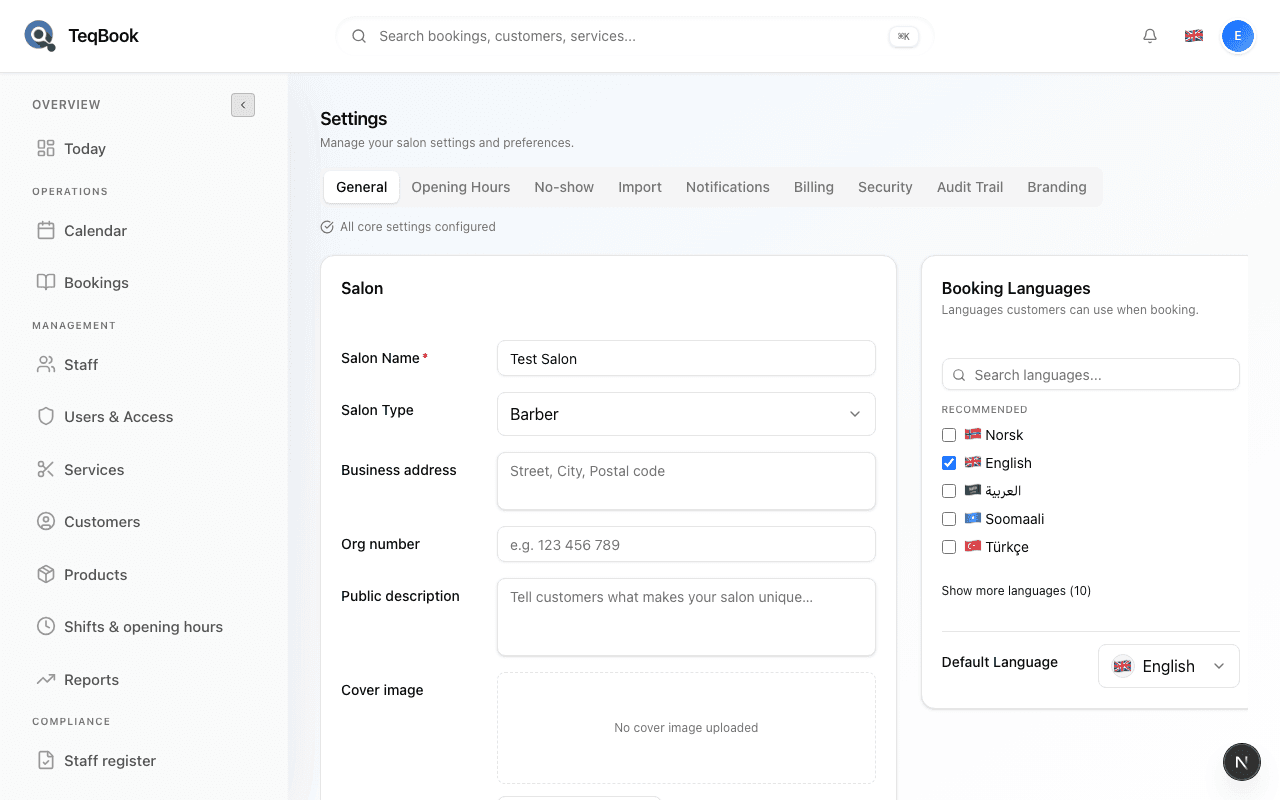
Update your salon profile
Keep name, address, WhatsApp, cover image, and public links accurate under Settings → General.
3 min · Updated Jul 21, 2026
Set your hours
1 guide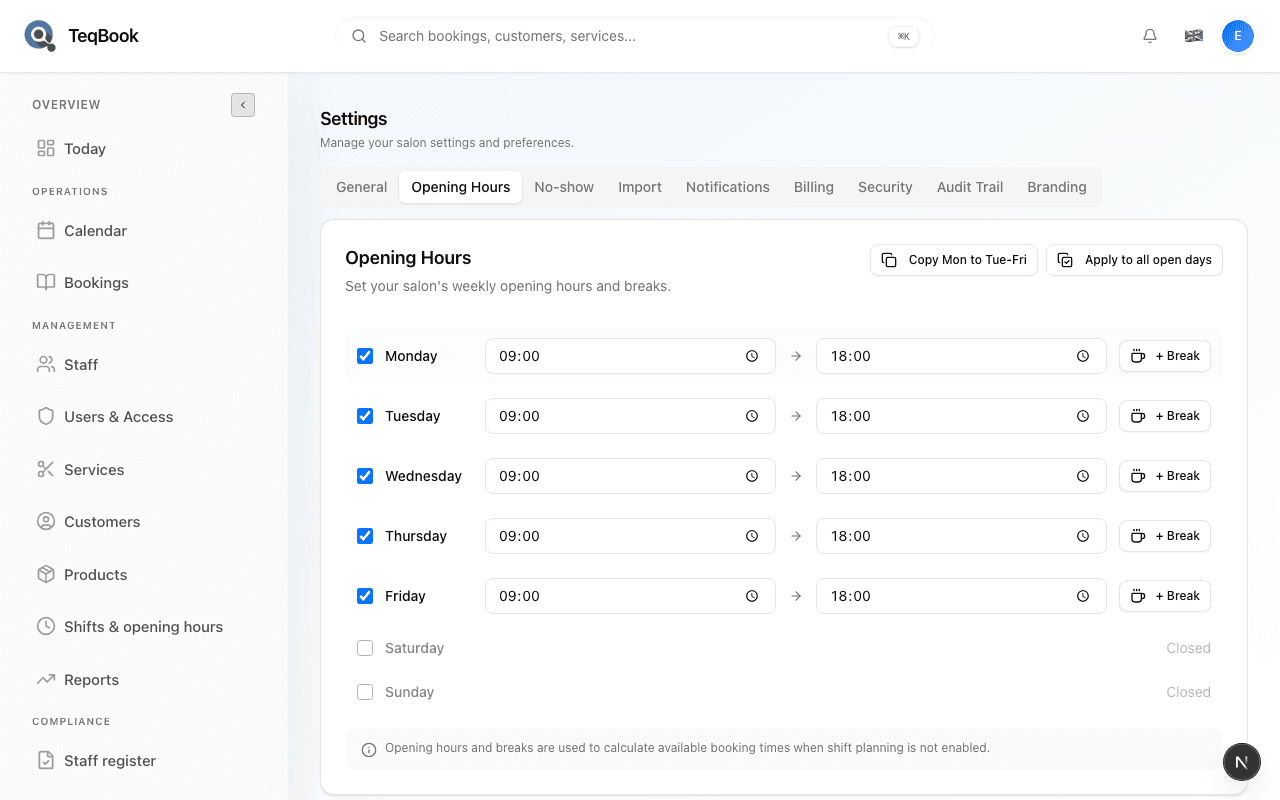
Add services and staff
4 guides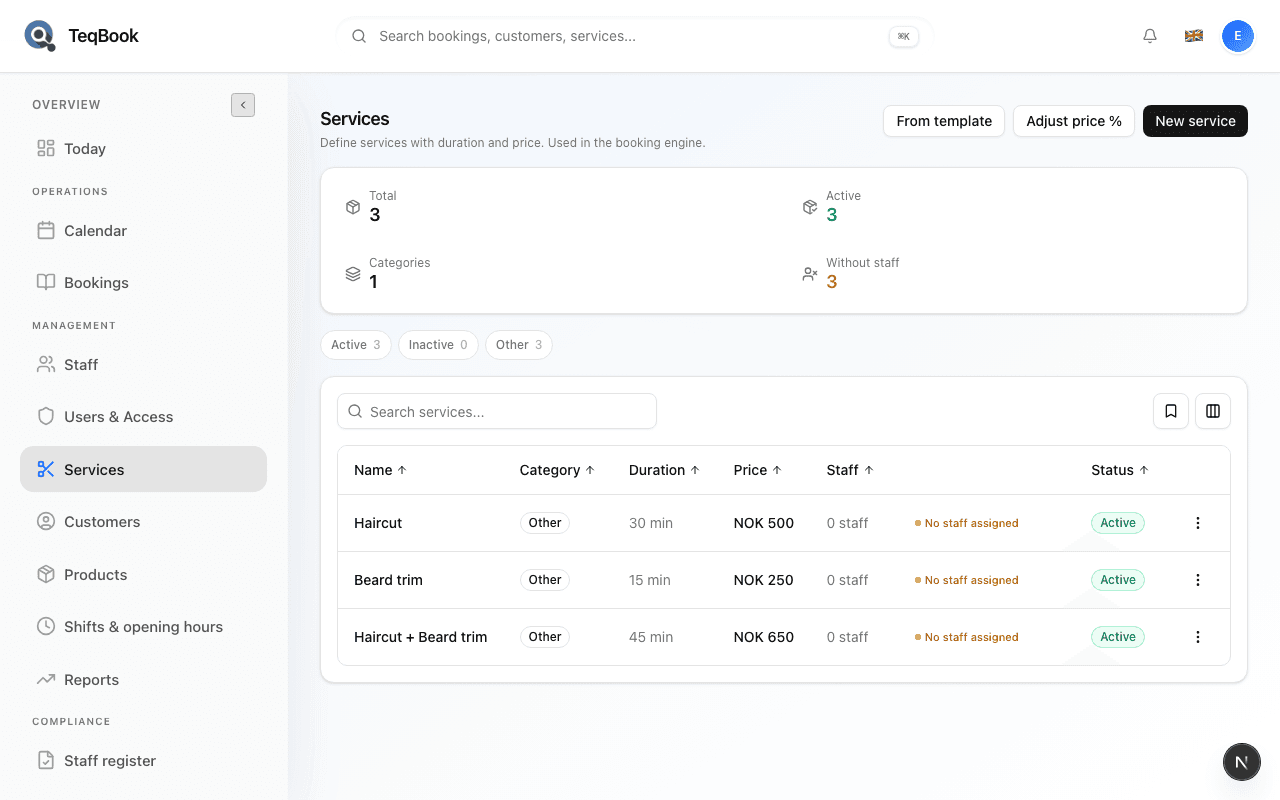
Create a service
Add a bookable service with name, category, duration, and price from Services → New service.
3 min · Updated Jul 21, 2026
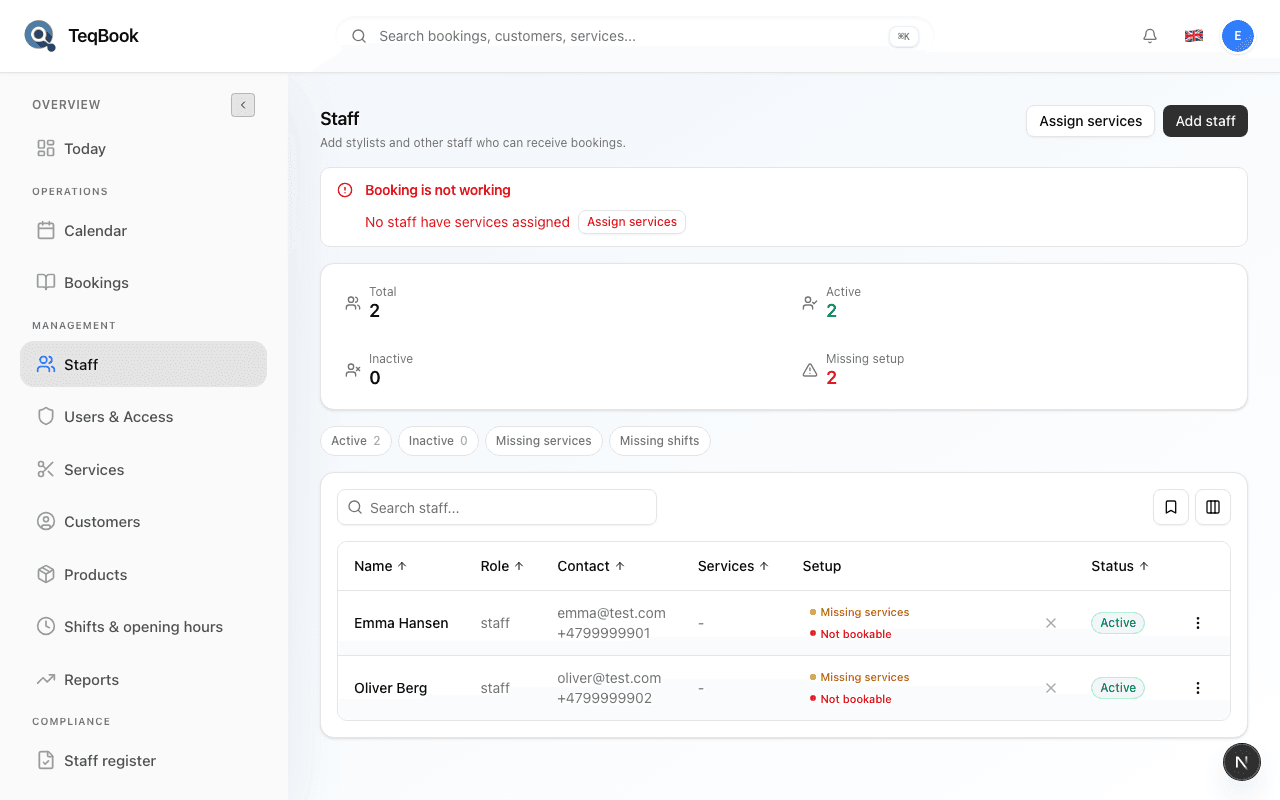
Add a staff member
Add someone via Team so they can take bookings on Calendar.
3 min · Updated Jul 21, 2026
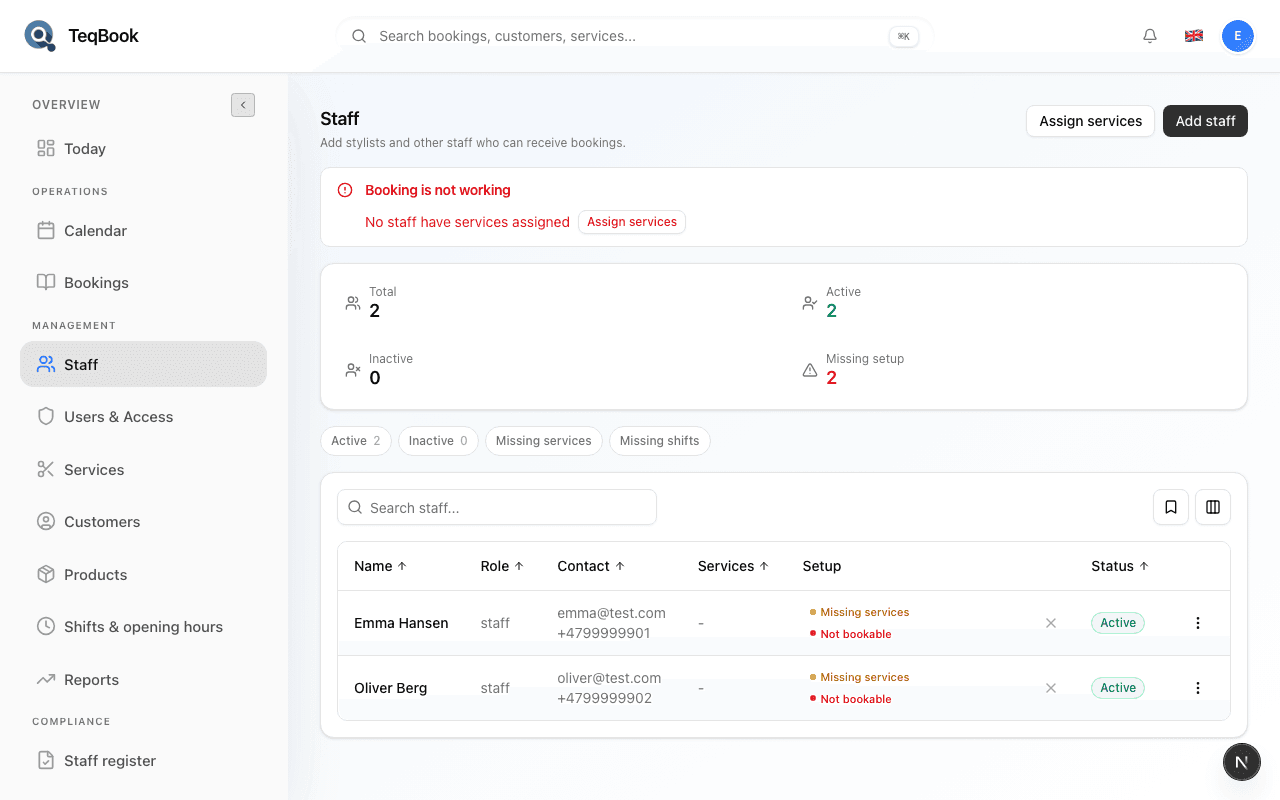
Assign services to staff
Link services to each staff member so Calendar and online booking know who can perform them.
3 min · Updated Jul 21, 2026
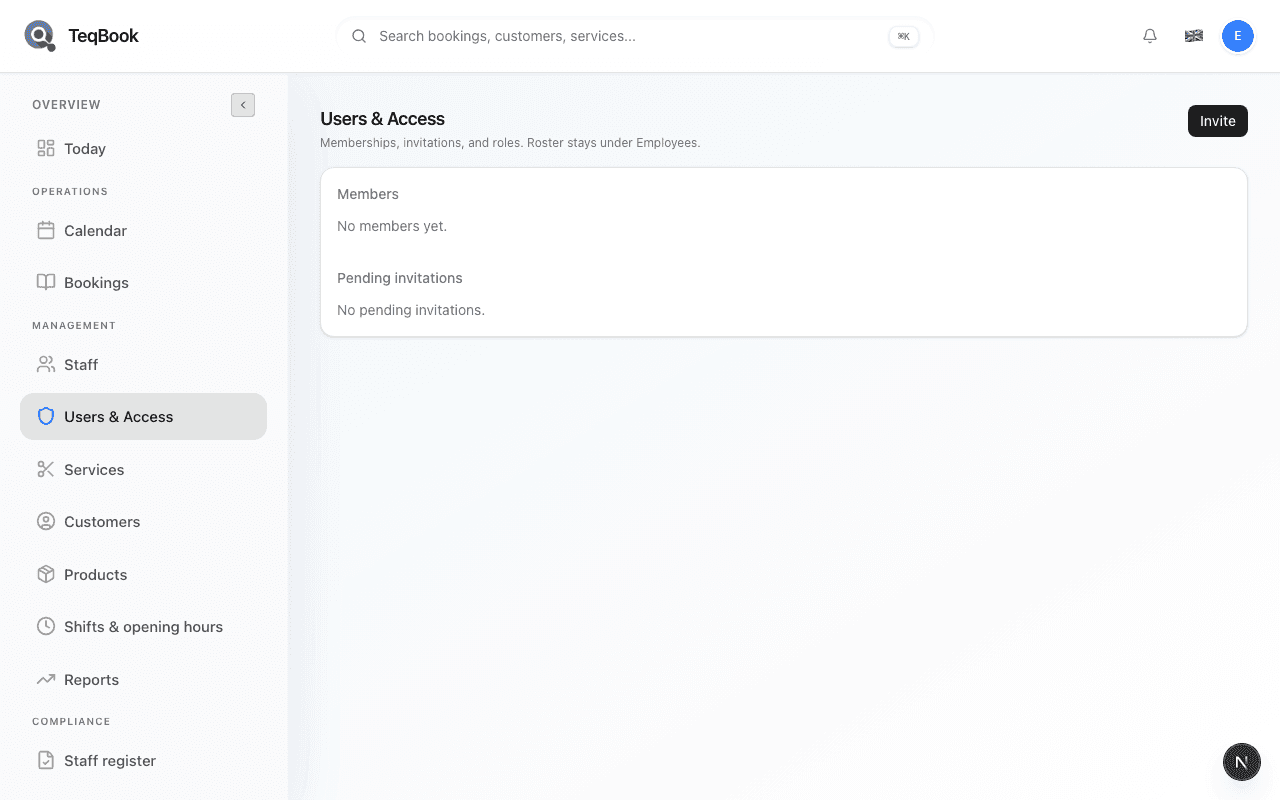
Invite a team member to log in
Send a login invite from Team (TeqBook access) with the right role — separate from the booking roster.
3 min · Updated Jul 21, 2026
Go live
1 guide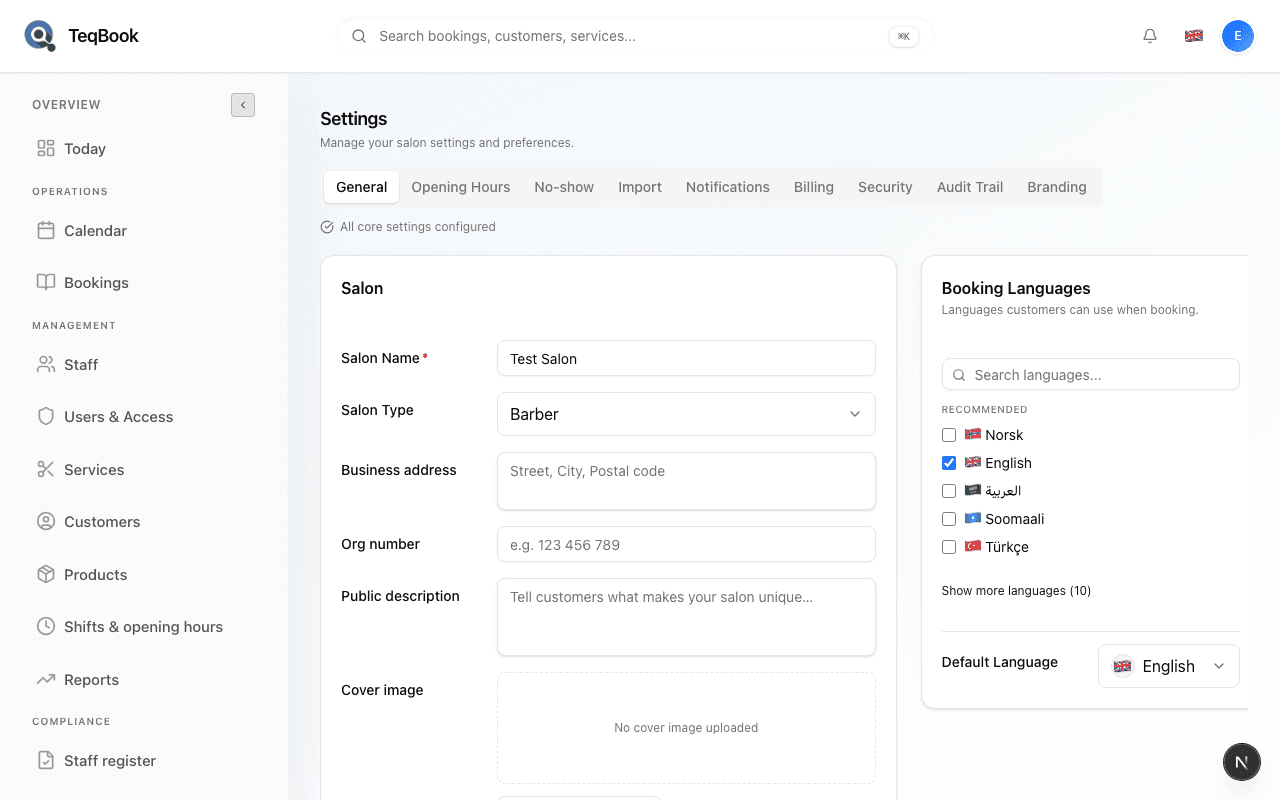
Related topics
Still need a hand?
Tell us what you’re trying to do. We’re happy to help you personally.
Contact support