
Calendar & bookings
Everything you need to manage bookings, availability, and your daily schedule.
- 17 guides
- Reviewed regularly
Start here
Create your first booking
Create a booking, choose the right service and customer, and save it to your calendar.
Reschedule a booking
Move a booking to a new date and time from Calendar with availability checks.
Search and filter bookings
Find bookings on the Bookings page with search, status chips, and staff filter.
Bookings
7 guides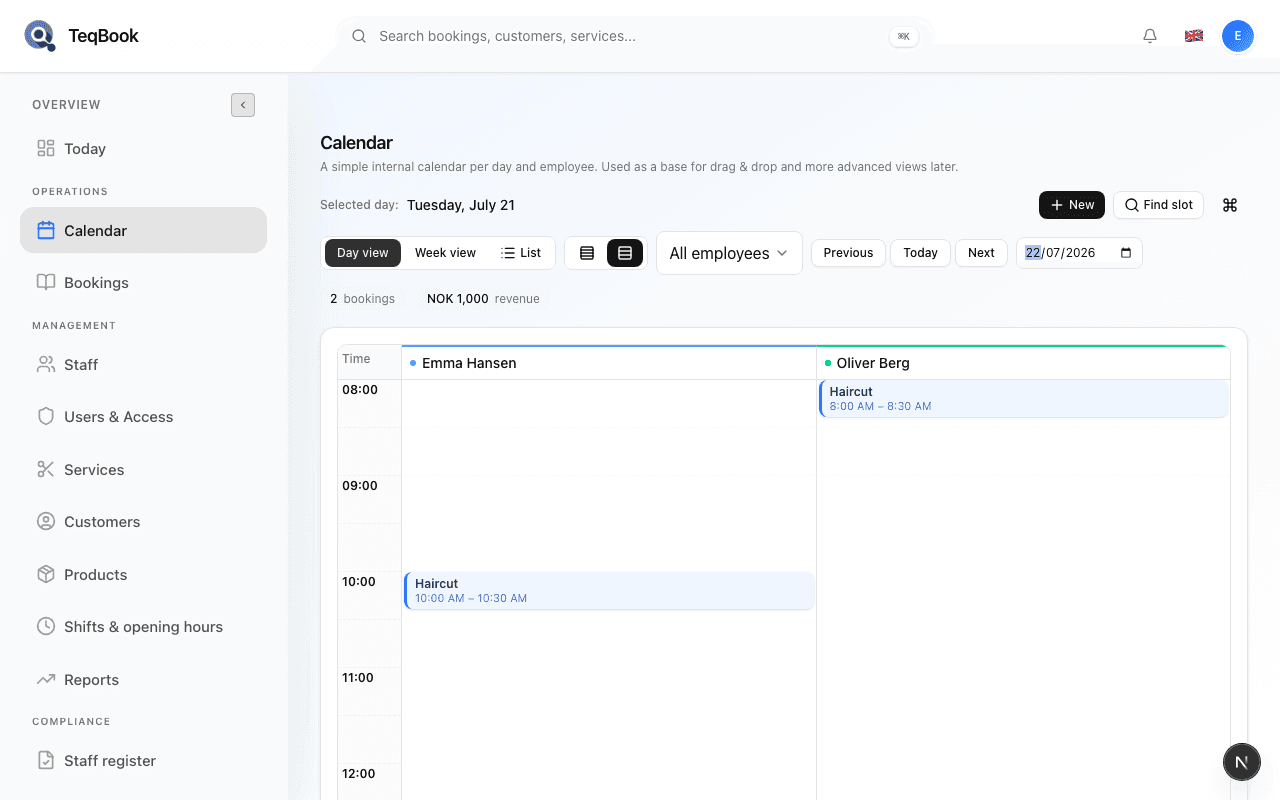
Create your first booking
Create a booking, choose the right service and customer, and save it to your calendar.
4 min · Updated Jul 21, 2026
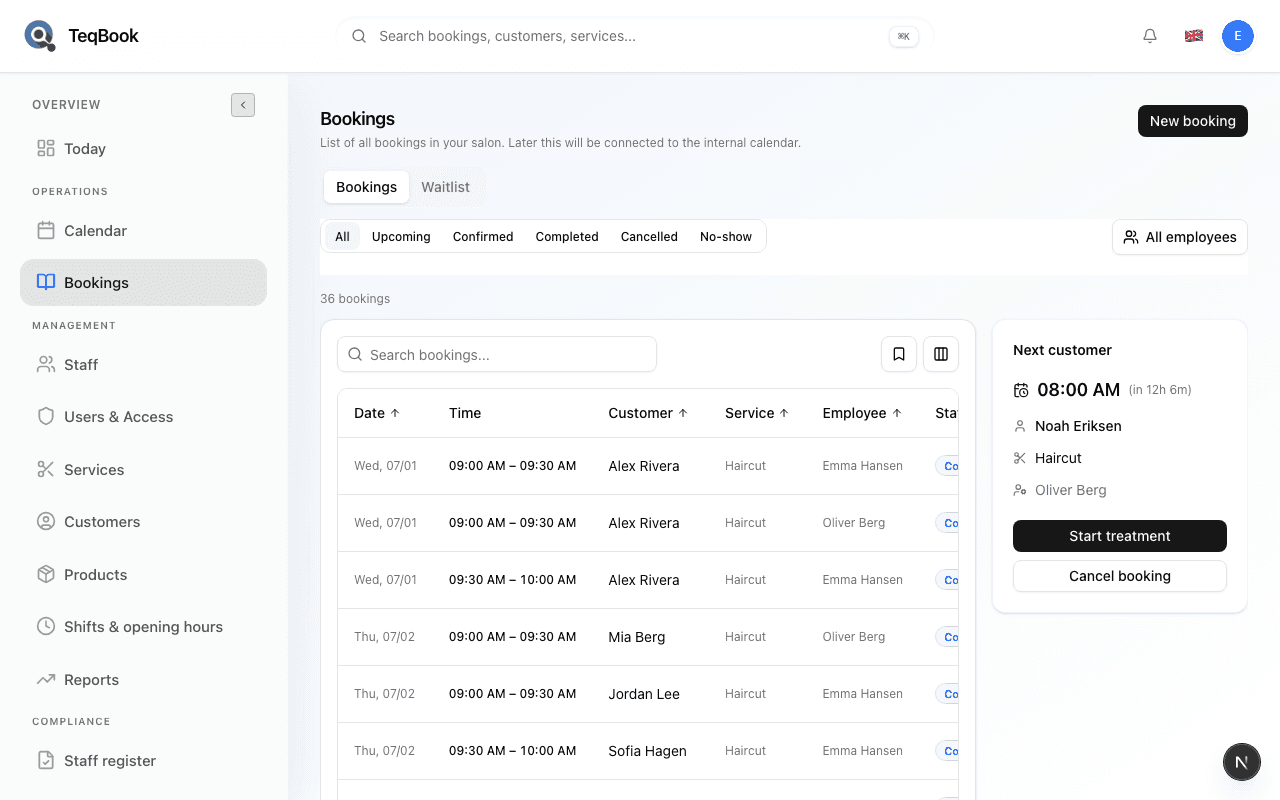
Create a walk-in booking
Create an on-site booking from Bookings with the Walk-in booking option.
3 min · Updated Jul 21, 2026
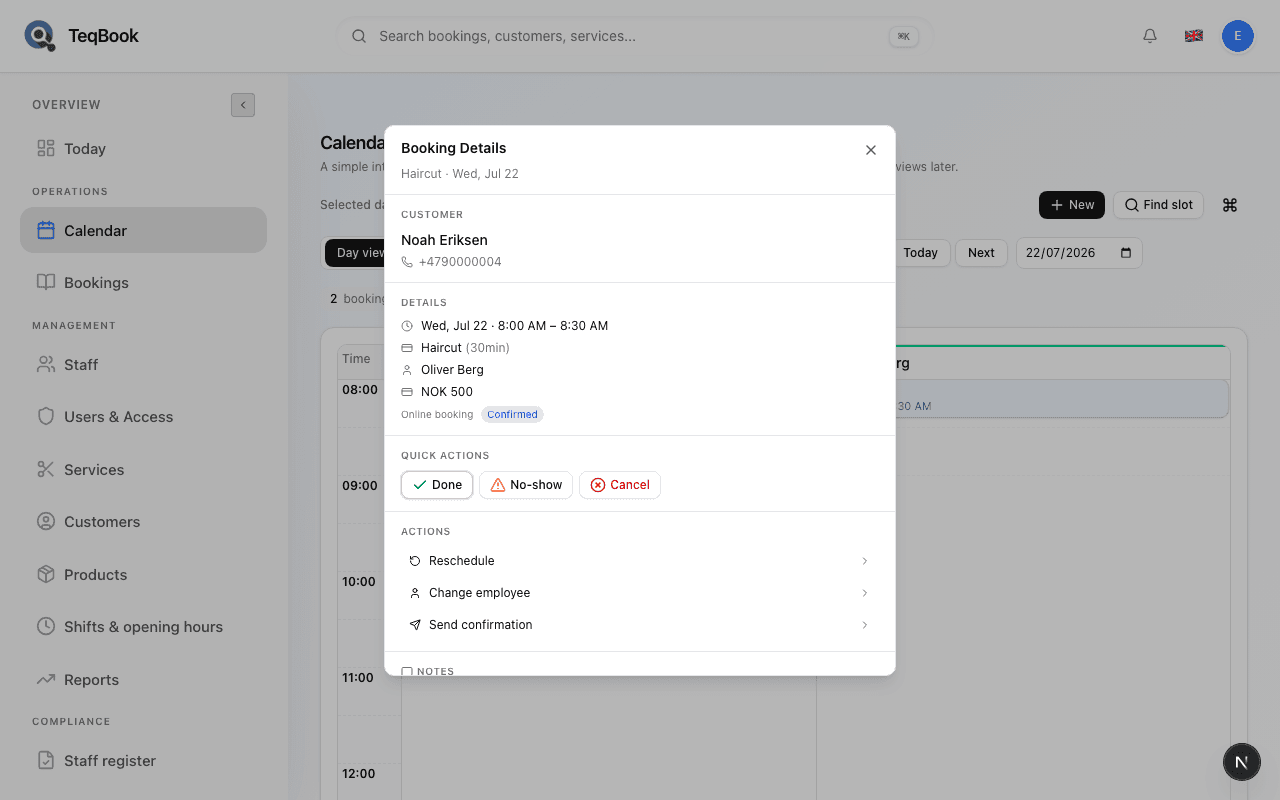
View booking details
Open Booking Details from Calendar to see customer, service, time, staff, status, notes, and actions.
3 min · Updated Jul 21, 2026
Edit booking details
See what you can change from Booking Details — notes, status, reschedule, and staff — and what stays read-only.
3 min · Updated Jul 21, 2026
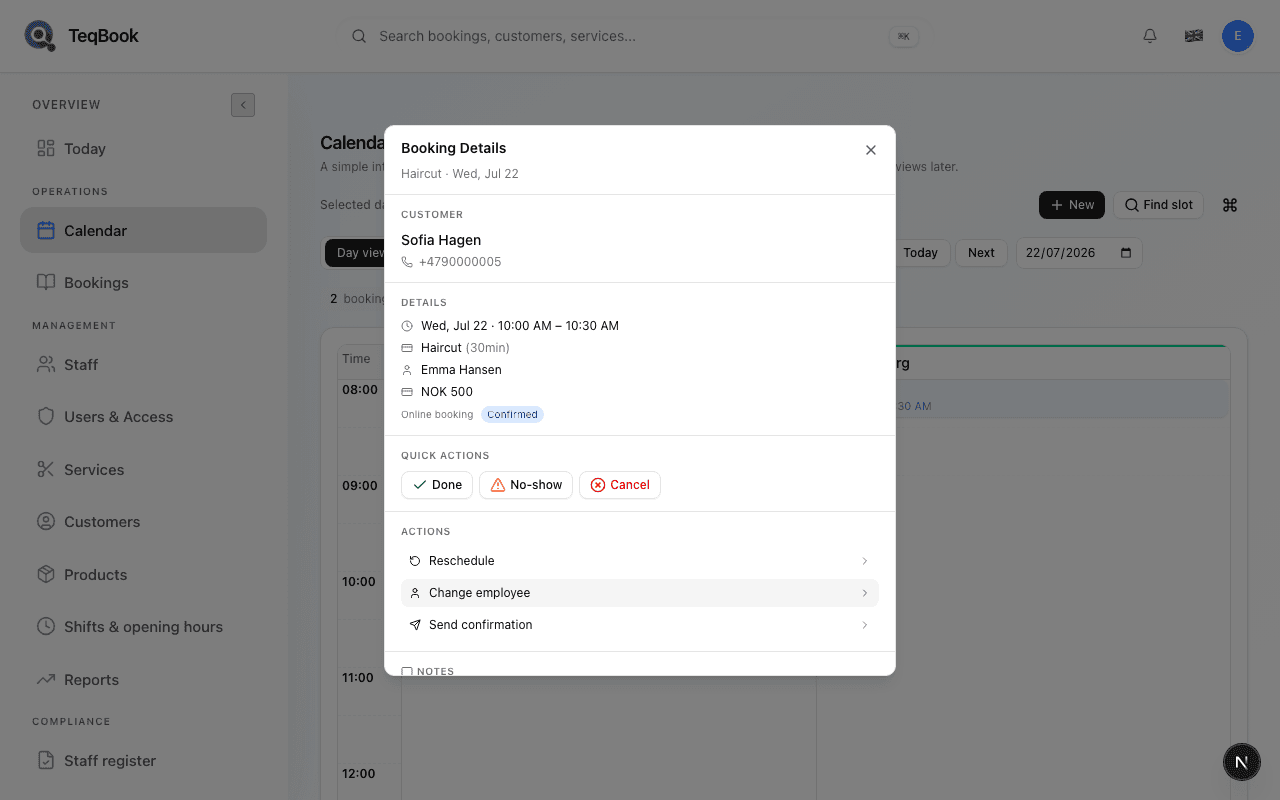
Add notes to a booking
Add internal notes from Calendar Booking Details so staff see context on the day.
2 min · Updated Jul 21, 2026
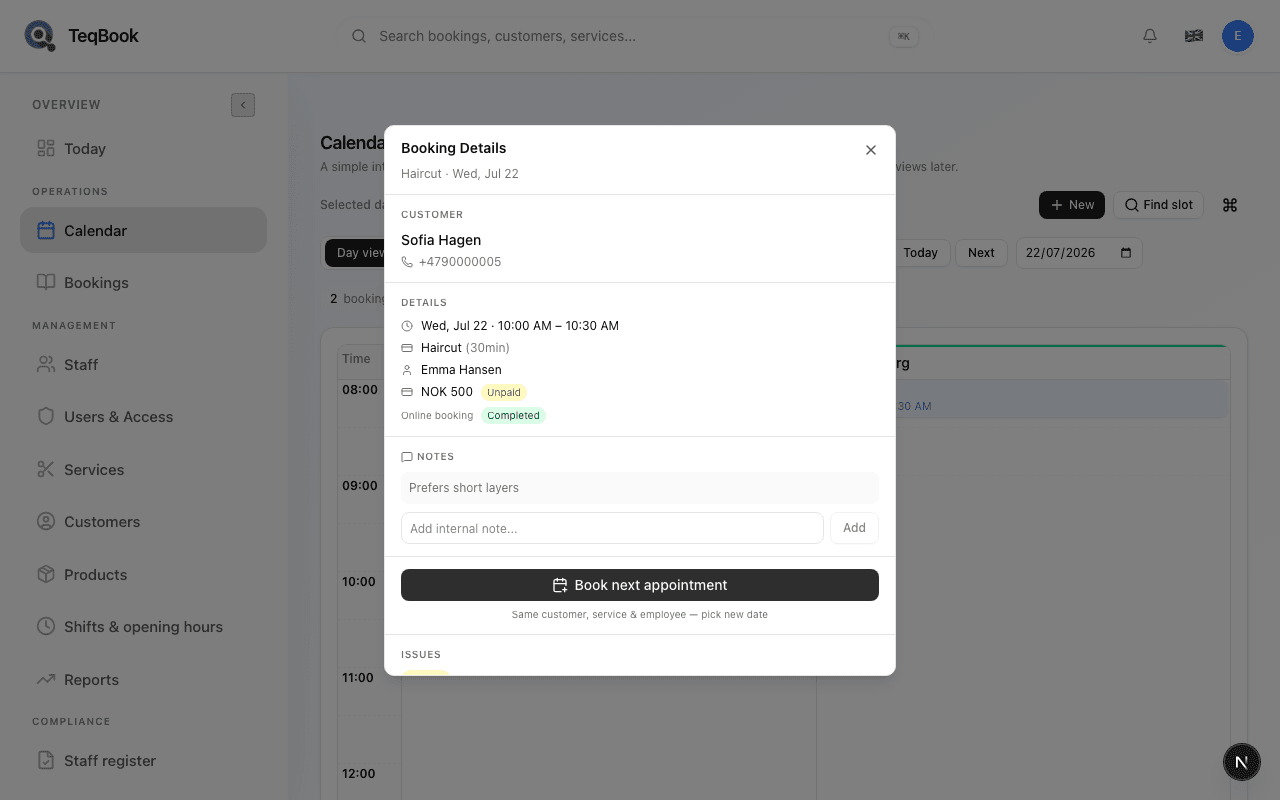
Rebook a previous customer
From a completed booking, use Book next appointment to open New booking with the same customer, service, and staff.
3 min · Updated Jul 21, 2026
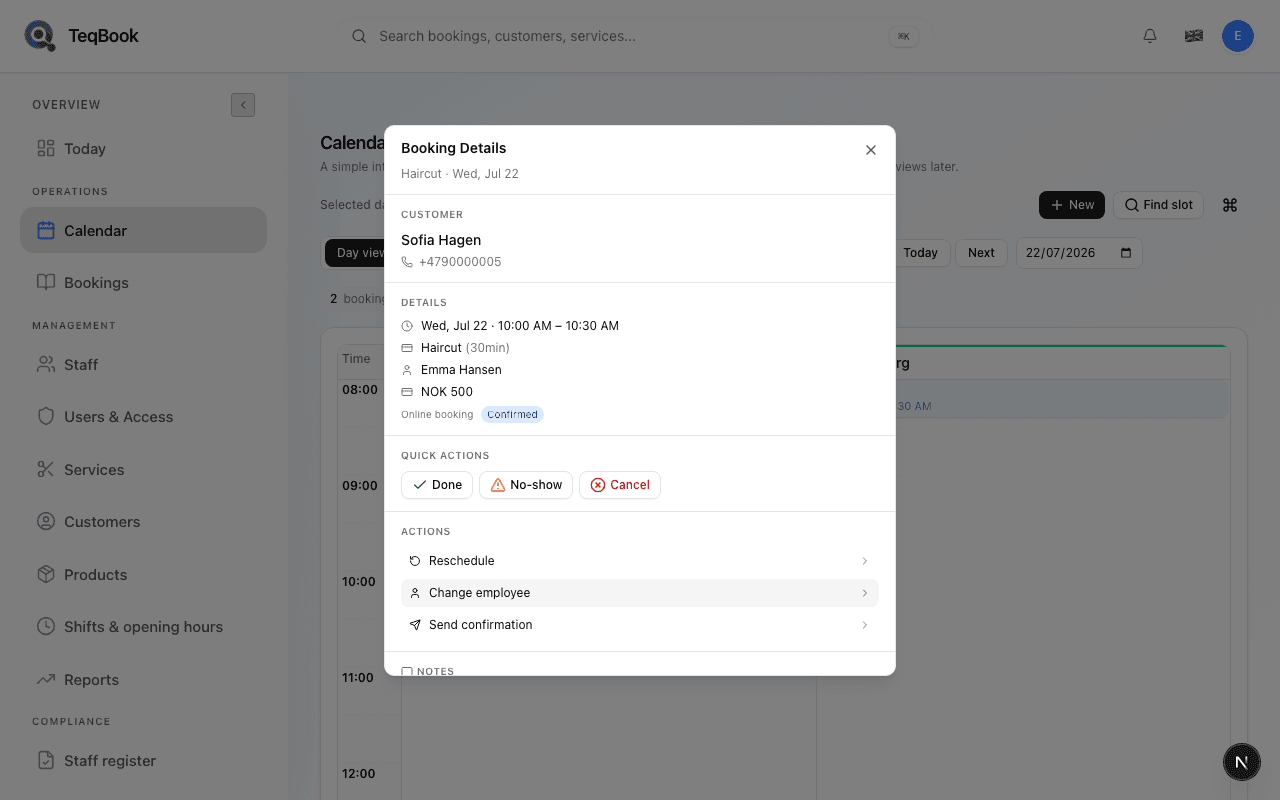
Change staff on a booking
Reassign a booking to another employee from Calendar with availability hints.
3 min · Updated Jul 21, 2026
Change & cancel
3 guides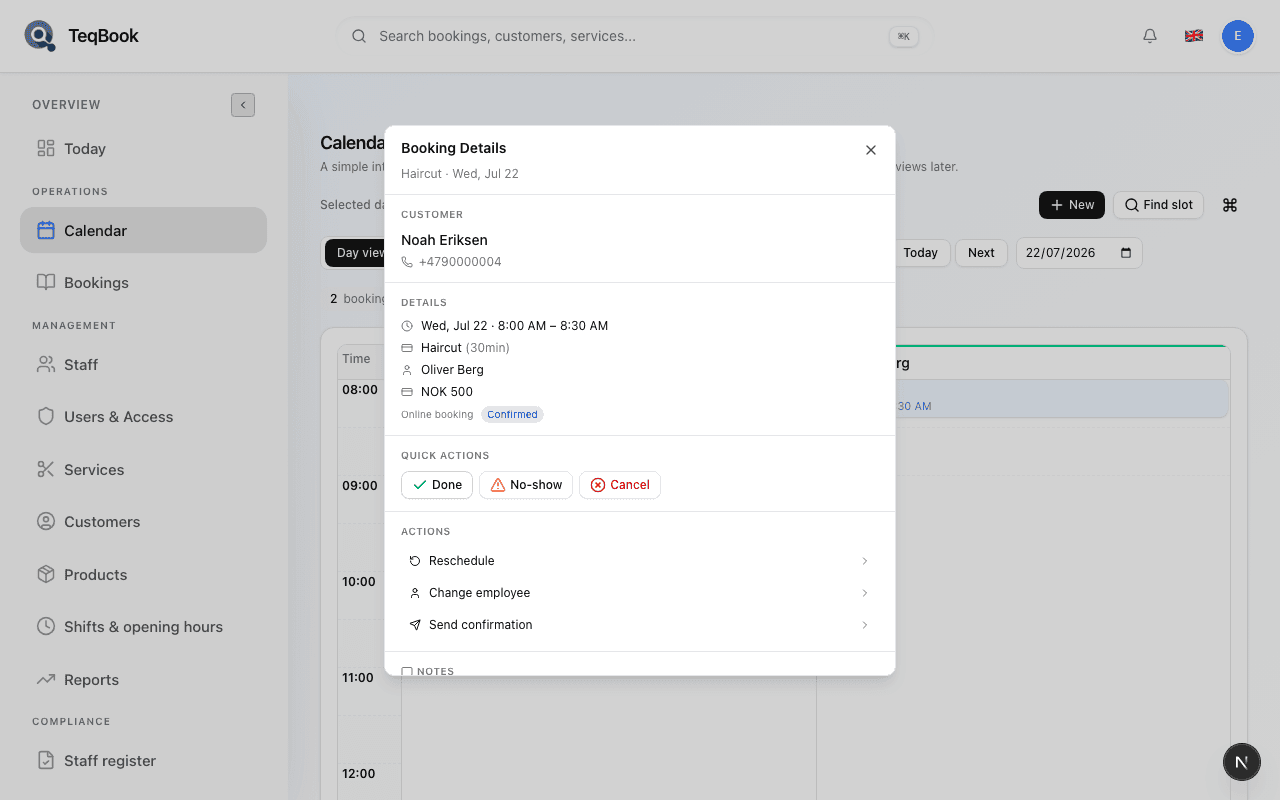
Manage booking statuses
Choose Confirm, Done, No-show, or Cancel — and know when each status fits.
4 min · Updated Jul 21, 2026
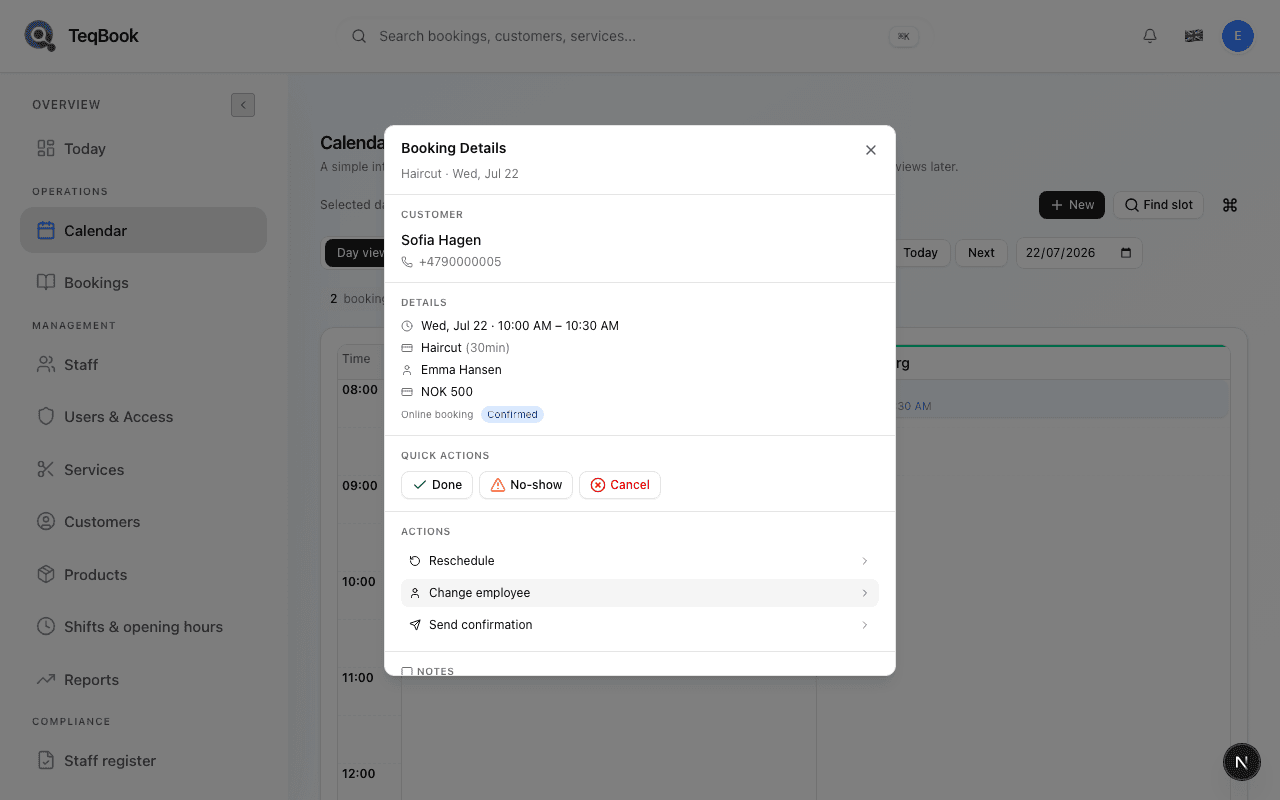
Reschedule a booking
Move a booking to a new date and time from Calendar with availability checks.
3 min · Updated Jul 21, 2026
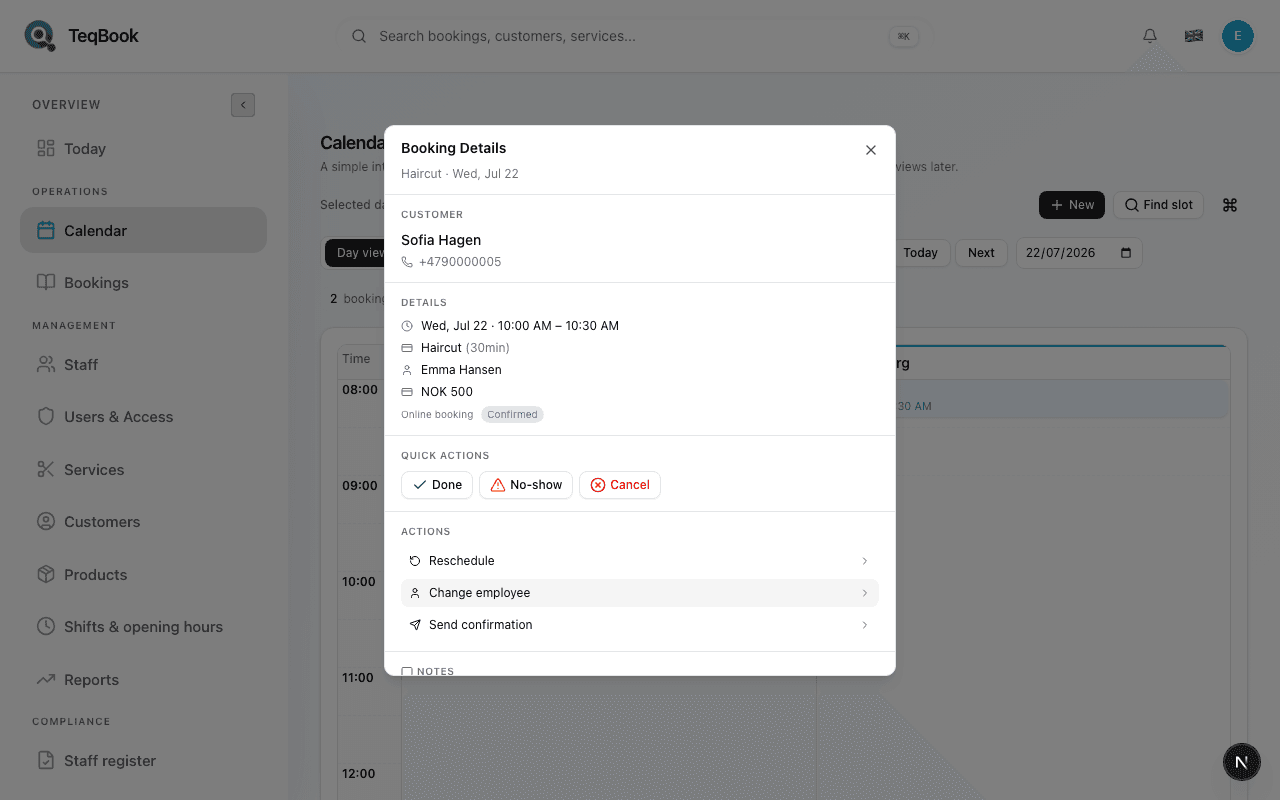
Cancel a booking
Cancel from Calendar Quick Actions or from the Bookings list with an optional reason.
3 min · Updated Jul 21, 2026
Calendar views
4 guides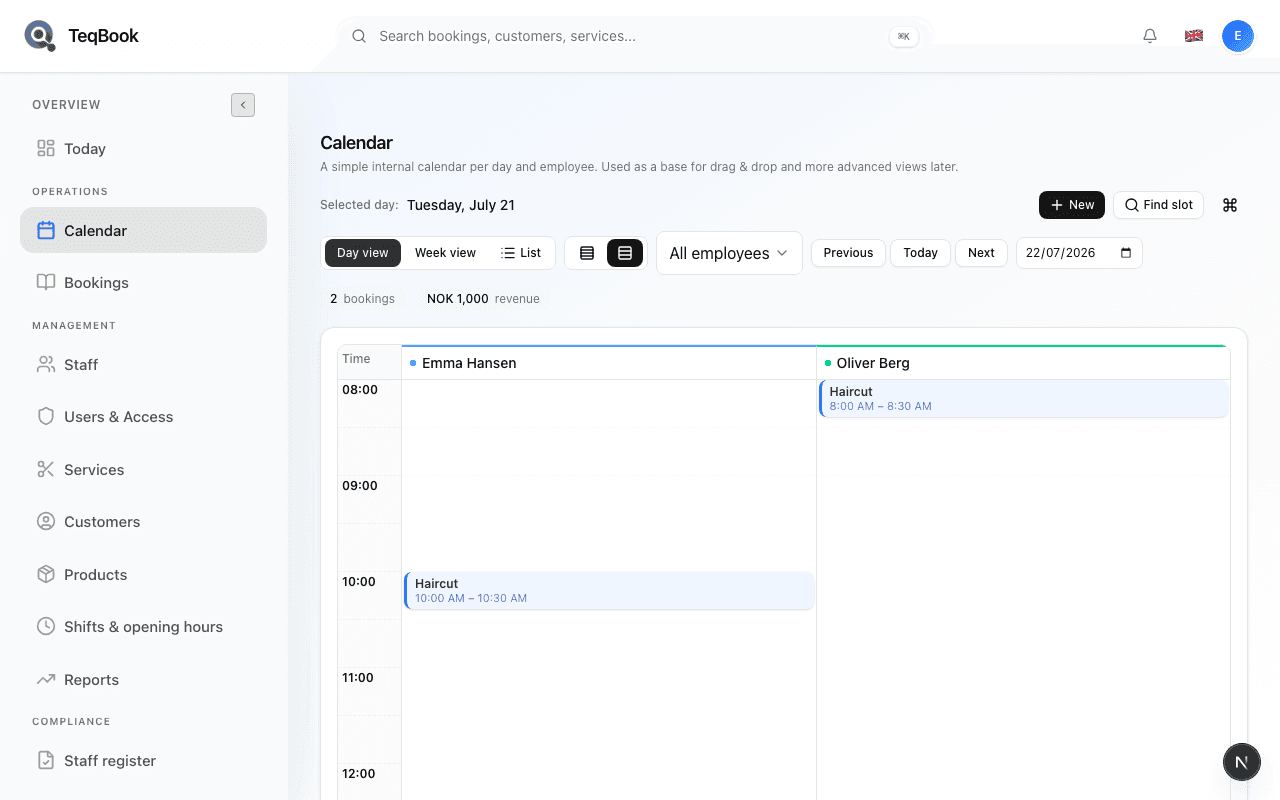
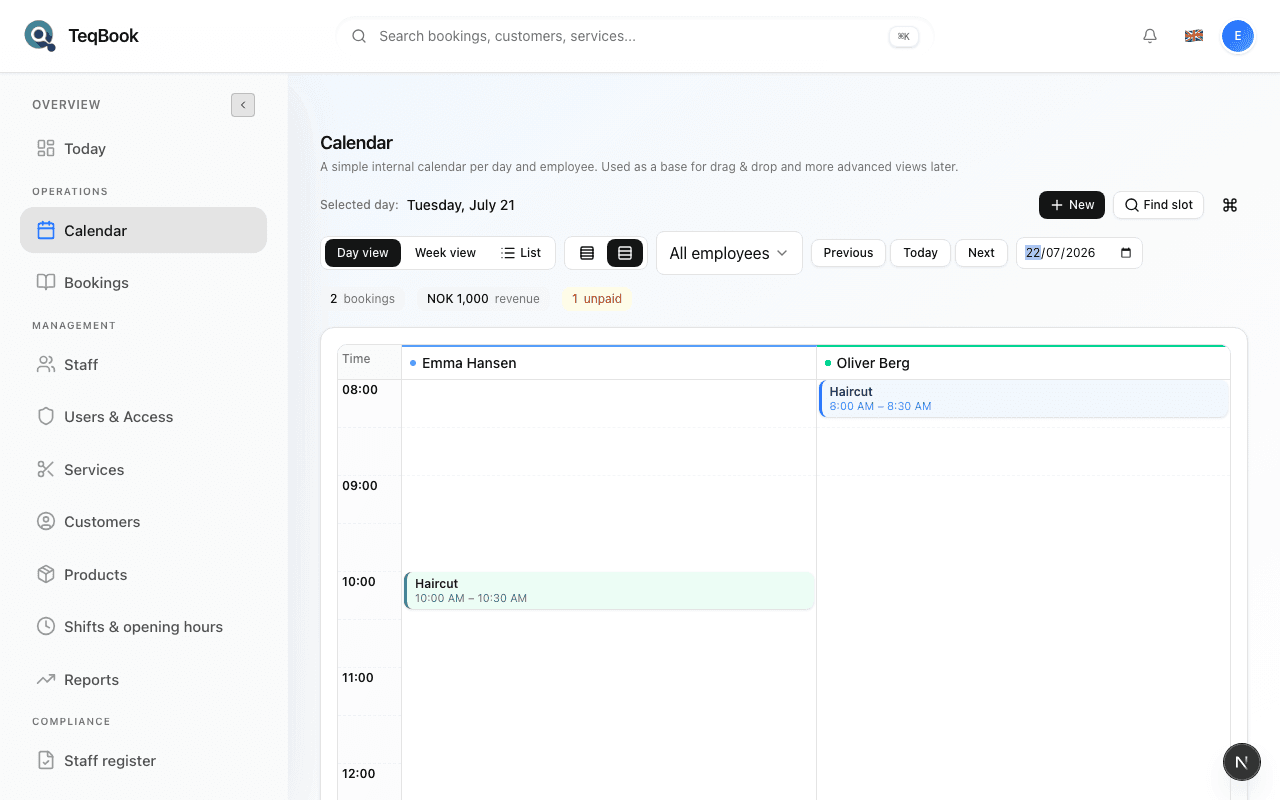
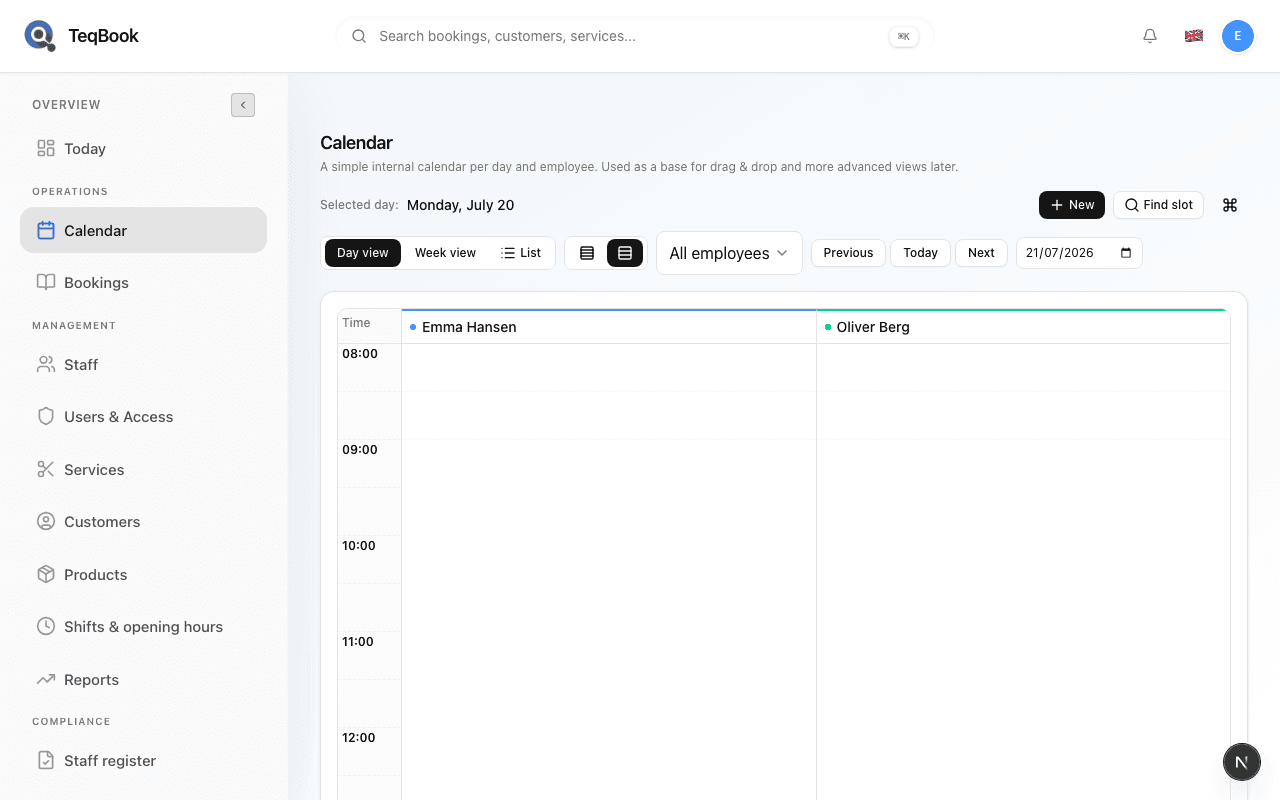
Use day and week views
Switch between Day view and Week view on Calendar and navigate with Today.
3 min · Updated Jul 21, 2026
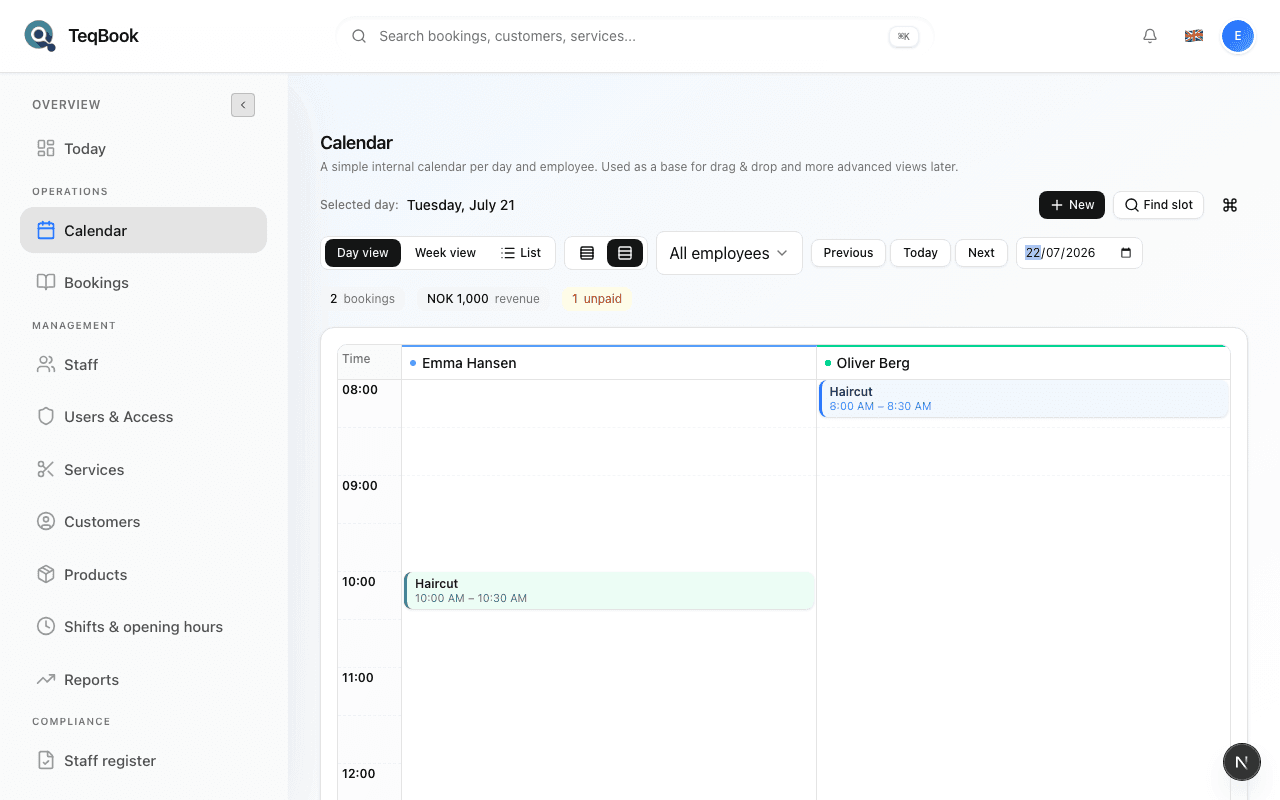
Use list view
Switch Calendar to List for a chronological work list of the day or range.
2 min · Updated Jul 21, 2026
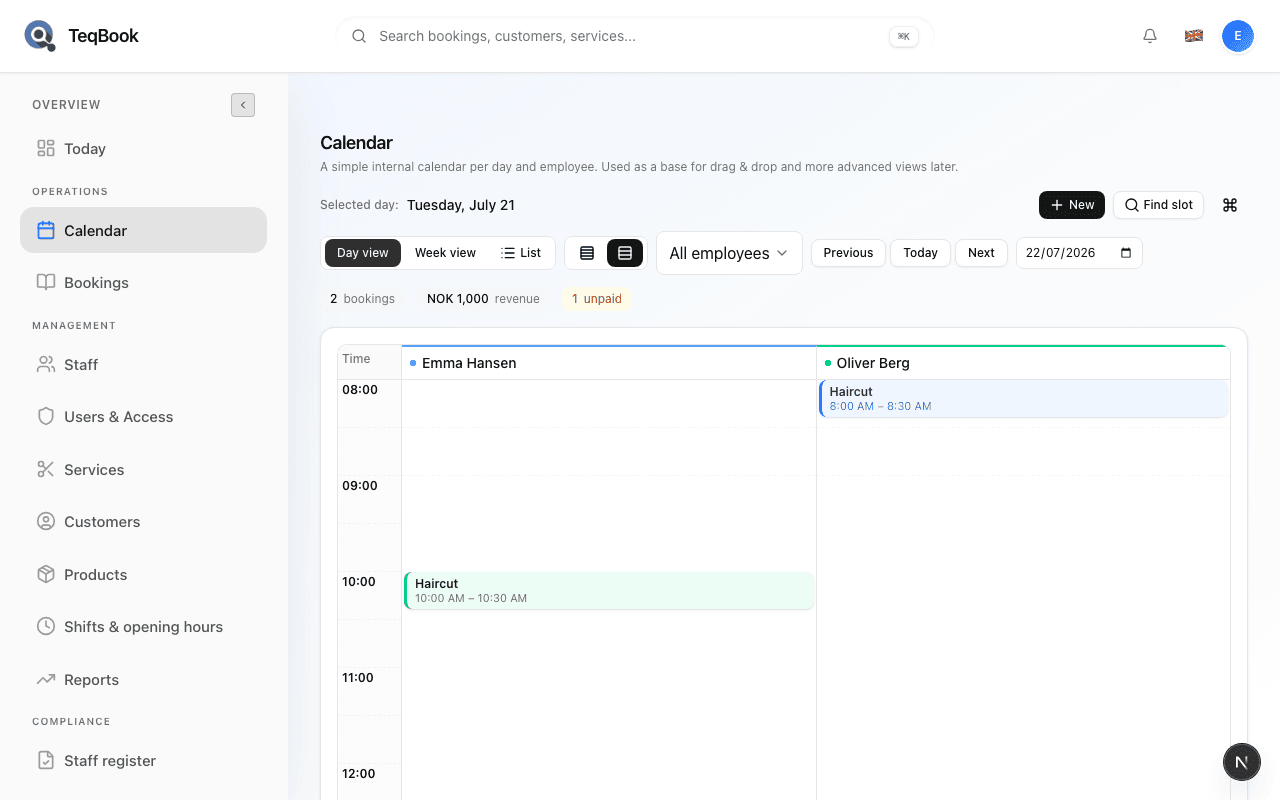
Filter the calendar by staff
Narrow Calendar to All employees or one staff member from the toolbar.
2 min · Updated Jul 21, 2026
Find the first available slot
Use Find slot on Calendar to search the next free time for a service and staff.
3 min · Updated Jul 21, 2026
Find bookings
1 guide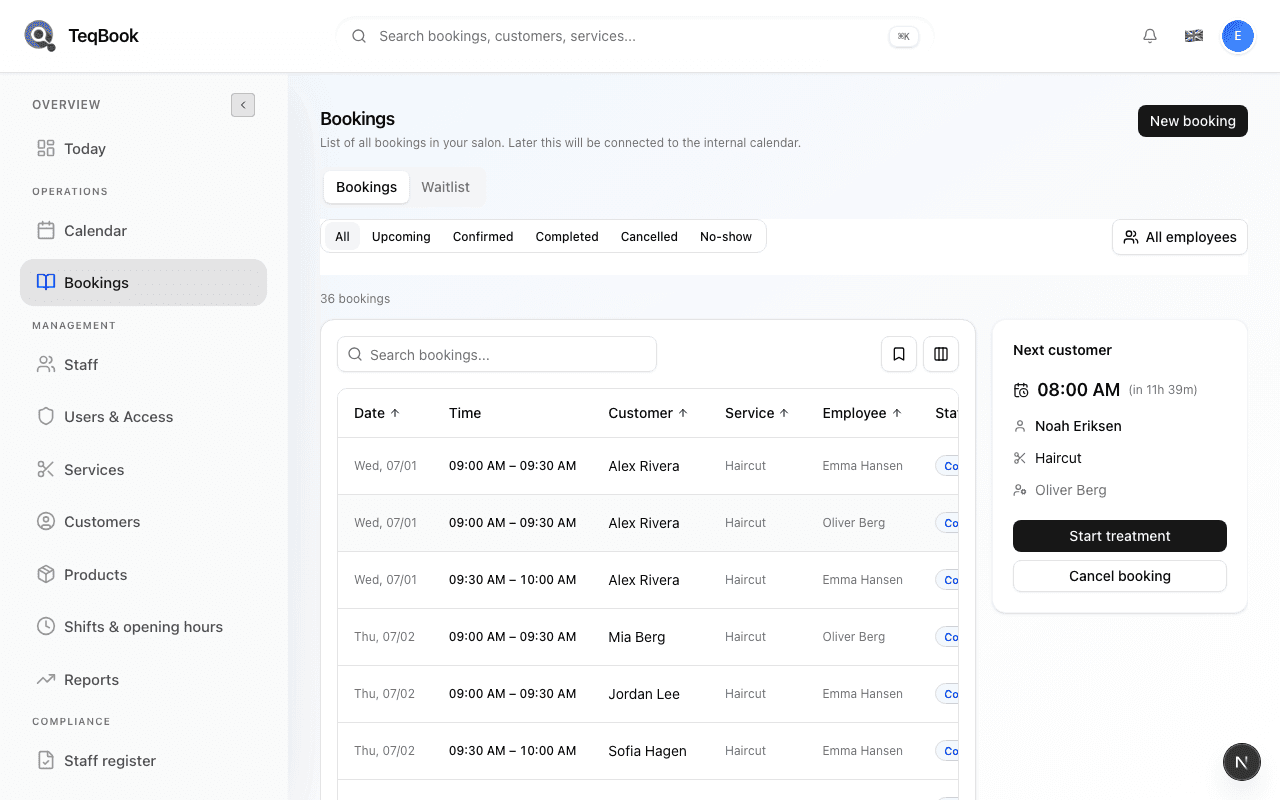
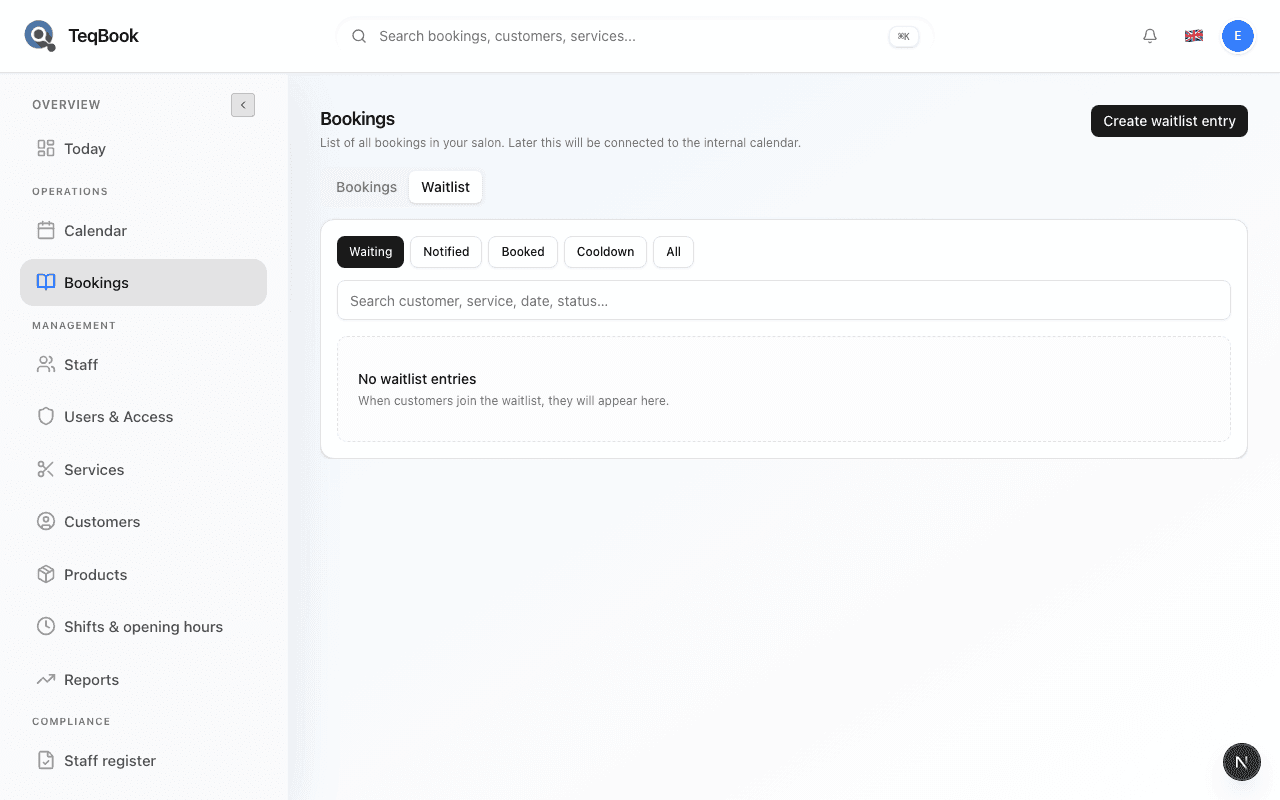
Waitlist
2 guides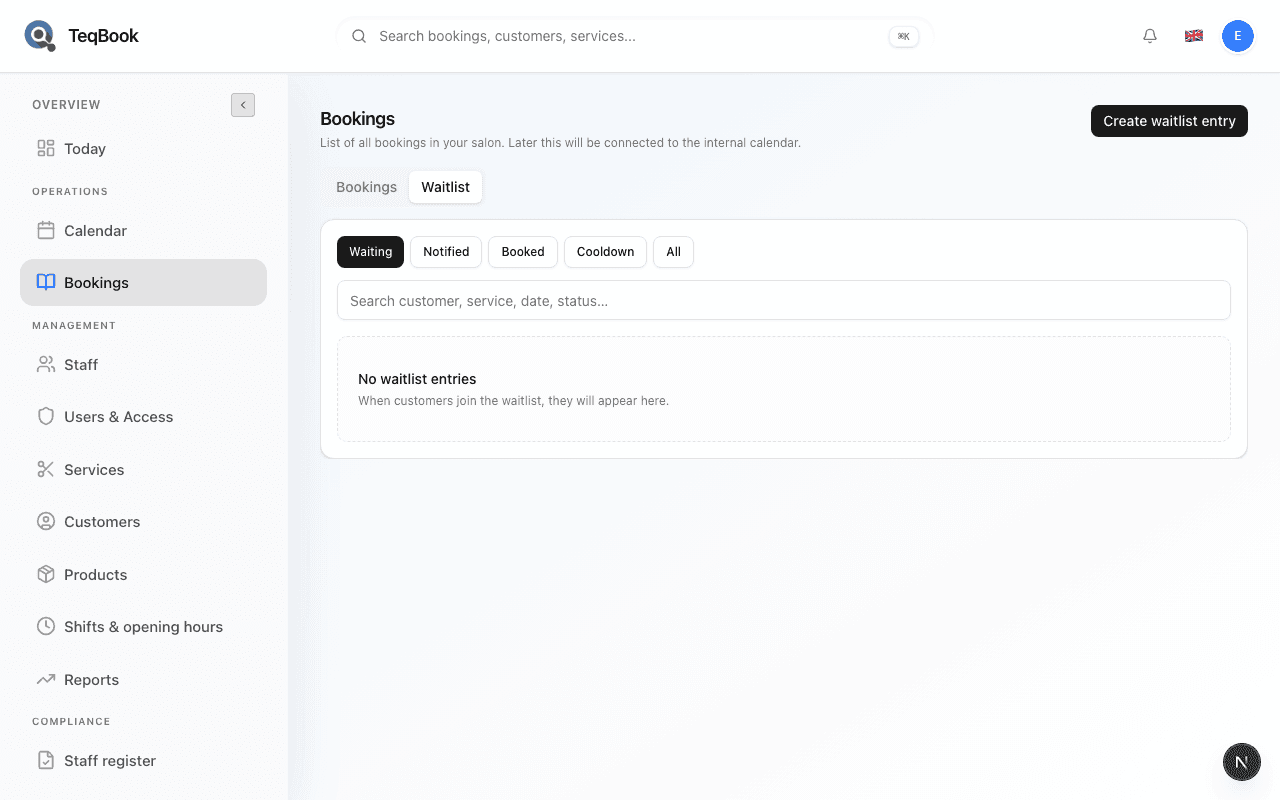
Related topics
Still need a hand?
Tell us what you’re trying to do. We’re happy to help you personally.
Contact support